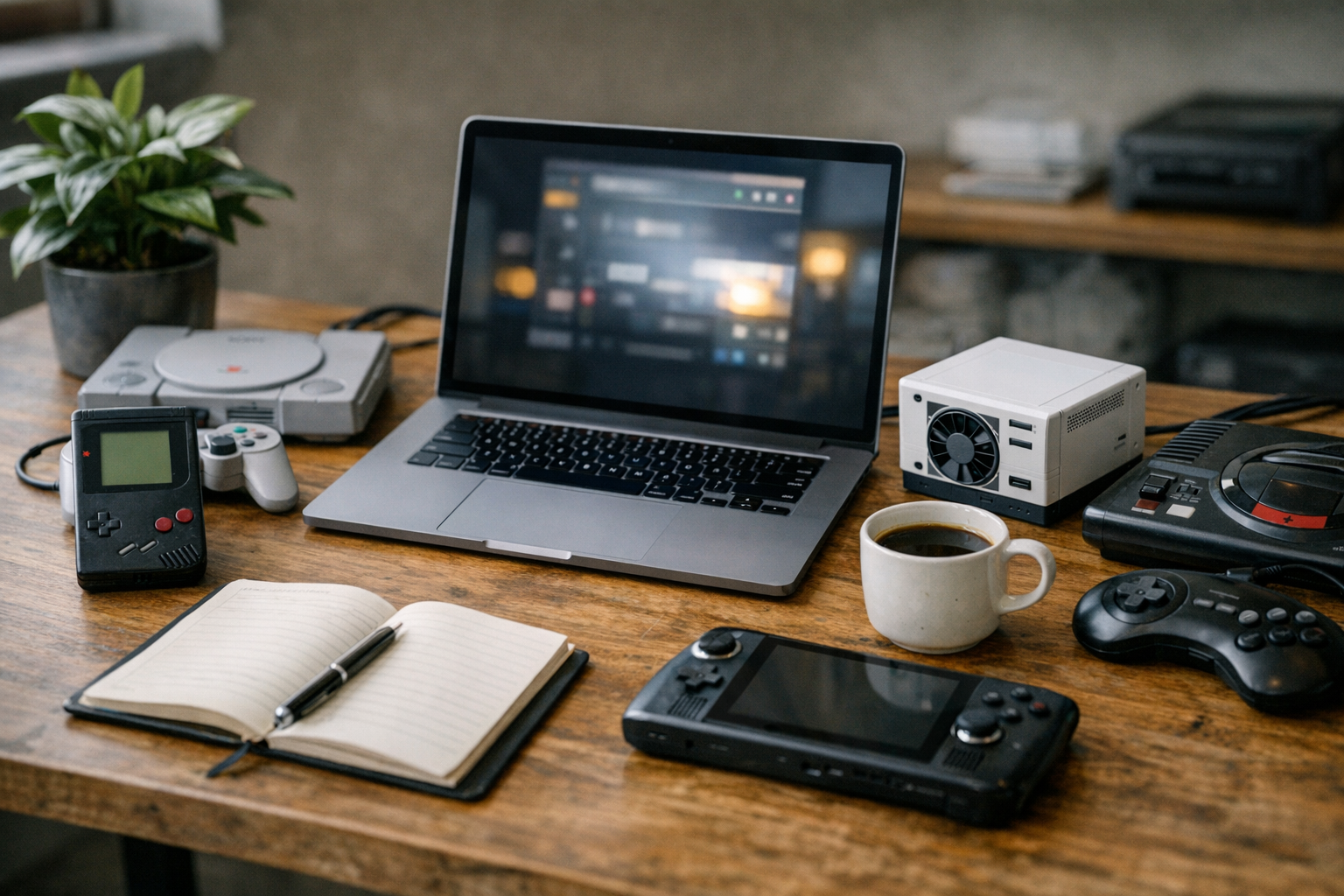
Best AI tools retro gaming emulation 2026 is transforming how classic games are played today. Finding the right tools can completely change performance, visuals, and overall experience. Those pixelated sprites from the NES, SNES, and PlayStation era? They look genuinely stunning when a modern neural network gets hold of them. Choosing the right upscaler, however, matters enormously — and not every tool works the way the hype suggests.
The retro gaming community has exploded with AI-powered options this year. Consequently, picking between competing tools feels genuinely overwhelming if you’re just getting started. I’ve been digging into this stuff for months, so this guide breaks down every major AI enhancement tool, compares real performance, and shows you exactly how to plug them into popular emulators.
Why AI Upscaling Changes Everything for Retro Games
Traditional upscaling just stretches pixels. The result looks blurry, washed out, and honestly kind of sad on a 4K display.
AI upscaling works differently. Neural networks analyze pixel patterns and intelligently reconstruct detail that never existed in the original image. It sounds like magic. It mostly isn’t, but the results are still remarkable.
Specifically, these tools use deep learning models trained on thousands of game textures. They recognize common patterns like character sprites, text, and backgrounds, then generate sharp, clean output at higher resolutions. A 240p SNES game can genuinely look like a modern indie title when this goes right. I’ve tested dozens of these setups and that outcome is very much achievable — though it takes some tuning.
The core technology behind the best AI tools for retro gaming emulation in 2026 relies on generative adversarial networks (GANs). One neural network generates enhanced images while another judges quality. They compete until the output looks convincing. ESRGAN’s original research pioneered this approach for image super-resolution, and everything good in this space traces back to that work.
Moreover, game-specific AI models have matured significantly since the early days. Generic photo upscalers often produce weird artifacts with pixel art — that “painted watercolor” look that ruins the aesthetic. Dedicated retro gaming models understand the unique traits of sprite-based graphics. They preserve hard edges, maintain color palettes, and avoid smearing everything into mush.
Here’s what AI upscaling typically delivers:
- 2x to 6x resolution increases without blur
- Texture detail reconstruction that looks hand-drawn
- CRT filter compatibility for authentic scanline effects
- Real-time processing on modern GPUs
- Batch processing for texture pack creation
Top AI Upscaling Tools Ranked and Compared
Several clear winners emerge when you actually sit down and test the best AI tools for retro gaming emulation in 2026. Each tool serves different needs — here’s the honest breakdown.
1. Real-ESRGAN
Real-ESRGAN remains the gold standard for retro game upscaling. It handles messy, degraded input quality well, and furthermore, its community-trained models specifically target pixel art. The “4x_foolhardy_Remacri” model in particular produces exceptional results for 16-bit era games — this surprised me when I first tried it on Chrono Trigger. Real-ESRGAN supports both NVIDIA and AMD GPUs through multiple backends, which is worth noting given how fractured GPU support can be in this space.
2. ESRGAN (Enhanced Super-Resolution GAN)
The original ESRGAN still powers many emulator plugins. It’s lightweight and well-documented. However, it requires more manual model selection than Real-ESRGAN, so there’s a steeper learning curve if you’re new to this. Notably, the retro gaming community has produced hundreds of specialized ESRGAN models for specific consoles — that community library is honestly one of the best resources in emulation right now.
3. xBRZ
Although not technically a neural network, xBRZ absolutely deserves a spot on this list. It uses advanced heuristic scaling algorithms, and the results are remarkably clean for pixel art. Additionally, it runs on CPUs without any GPU requirements — a genuine win for lower-end setups. Many emulators include xBRZ natively, so you might already have it without realizing it.
4. Anime4K
Originally designed for anime upscaling, Anime4K works surprisingly well for certain retro games. It excels with RPGs featuring anime-style artwork and runs in real time even on integrated graphics. Nevertheless, it struggles with highly abstract pixel art — fair warning if you’re planning to run it on early NES titles.
5. FSR (FidelityFX Super Resolution) and DLSS
AMD’s FSR and NVIDIA’s DLSS aren’t retro-specific tools, but several emulators now integrate them for resolution upscaling. RetroArch supports both through shader pipelines. They’re fast — impressively fast — but less accurate than dedicated pixel art models. Worth a shot if your hardware is already set up for it.
6. GameUpscale Community Models
The GameUpscale community maintains a library of console-specific ESRGAN models, with dedicated options for N64, PS1, Dreamcast, and more. These specialized models consistently outperform generic alternatives, sometimes dramatically. Consequently, they represent some of the best AI tools for retro gaming emulation in 2026 for serious enthusiasts who want the absolute best output.
| Tool | Resolution Boost | GPU Required | Real-Time Capable | Best For | Difficulty |
|---|---|---|---|---|---|
| Real-ESRGAN | 2x–4x | Yes (recommended) | With powerful GPU | All retro consoles | Moderate |
| ESRGAN | 2x–4x | Yes (recommended) | Limited | Texture pack creation | Advanced |
| xBRZ | 2x–6x | No | Yes | 2D pixel art games | Easy |
| Anime4K | 2x–4x | Optional | Yes | Anime-style RPGs | Easy |
| FSR/DLSS | 1.5x–4x | Yes | Yes | 3D retro games (N64, PS1) | Moderate |
| GameUpscale Models | 2x–4x | Yes | No (batch only) | Console-specific textures | Advanced |
Integration Workflows With Popular Emulators
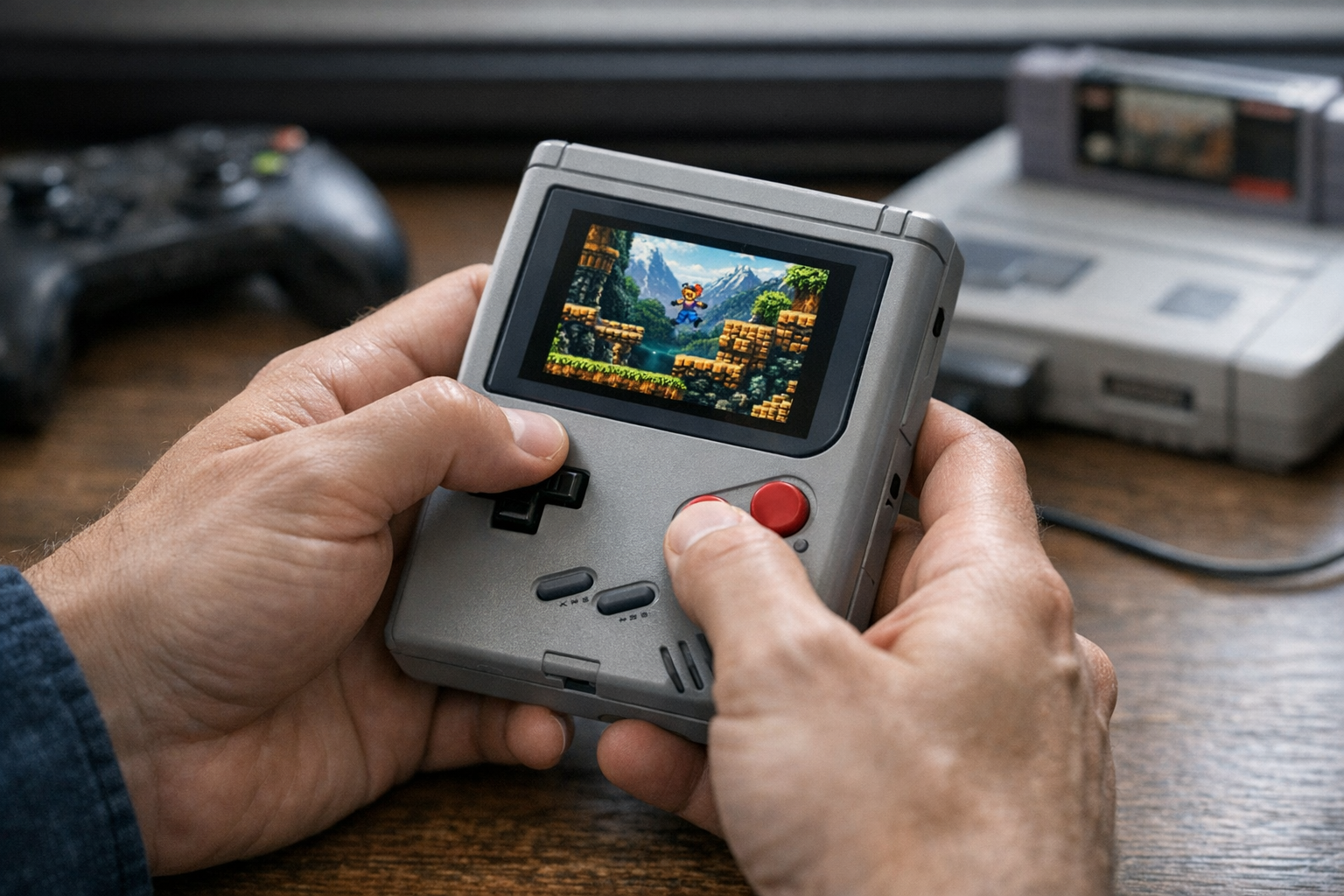
Knowing about these tools is one thing. Actually connecting them to your emulators is where most people get stuck.
The best AI tools for retro gaming emulation in 2026 integrate through three main methods. Which one you use depends on your emulator, hardware, and how much upfront effort you’re willing to invest.
Shader-Based Real-Time Upscaling
RetroArch dominates this category. Its shader pipeline supports dozens of AI-enhanced filters, and you load shaders through the Quick Menu under “Shaders.” Specifically, the Slang shader format works best for Vulkan-based rendering. Importantly, switch to Vulkan before you start hunting for shaders or you’ll hit a wall fast. Here’s the typical workflow:
1. Download RetroArch and install the desired core (emulator)
2. Go to Settings → Video → Output and select Vulkan
3. Load your game, then open Quick Menu → Shaders
4. Browse to the AI upscaling shader (like neural network shaders)
5. Adjust passes and parameters to taste
6. Save as a preset for automatic loading
Texture Pack Pre-Processing
For N64 and GameCube emulation, texture dump-and-replace workflows are where things get genuinely exciting. Tools like Dolphin Emulator and Project64 support custom texture packs. The process involves dumping original textures, batch-upscaling them with Real-ESRGAN, then loading the enhanced pack back in. Although this method requires real upfront effort — we’re talking hours of processing time for a full game — the results are spectacular. I’ve done this with a complete Majora’s Mask texture dump and the difference is night and day.
The batch processing workflow looks like this:
1. Enable texture dumping in your emulator settings
2. Play through the game to capture all textures
3. Run Real-ESRGAN on the dumped texture folder
4. Place upscaled textures in the emulator’s custom texture directory
5. Enable “Load Custom Textures” in settings
6. Restart the game and enjoy enhanced graphics
Plugin-Based Enhancement
Some emulators offer dedicated AI upscaling plugins. Similarly, standalone wrappers like Magpie can apply AI upscaling to any window — which is particularly useful when direct emulator integration isn’t available. Magpie supports multiple scaling algorithms, including ESRGAN-based options, and it’s more flexible than most people realize.
Important performance tip: Always match your upscaling resolution to your display. Running 4x upscaling on a 1080p monitor wastes GPU power you could spend elsewhere. A 2x scale from 240p to 480p, followed by standard bilinear scaling to 1080p, often looks better and keeps frame rates stable. Furthermore, this approach is much kinder to mid-range hardware.
Performance Benchmarks and Hardware Requirements
Hardware matters enormously when running AI tools for retro gaming emulation. Real-time neural upscaling demands serious GPU power. Meanwhile, batch processing is more forgiving since you’re not racing against a frame timer.
Minimum Hardware for Real-Time AI Upscaling:
- GPU: NVIDIA GTX 1660 Super or AMD RX 5600 XT
- VRAM: 6 GB minimum
- CPU: Intel i5-10400 or AMD Ryzen 5 3600
- RAM: 16 GB DDR4
- Storage: SSD recommended for texture pack loading
Recommended Hardware for Optimal Results:
- GPU: NVIDIA RTX 4070 or AMD RX 7800 XT
- VRAM: 12 GB or more
- CPU: Intel i7-13700K or AMD Ryzen 7 7700X
- RAM: 32 GB DDR5
- Storage: NVMe SSD
Here’s what you can realistically expect from different GPU tiers:
| GPU Tier | Real-ESRGAN (2x) | Real-ESRGAN (4x) | xBRZ (6x) | Anime4K (2x) |
|---|---|---|---|---|
| Integrated Graphics | Not viable | Not viable | 60 fps | 45–60 fps |
| GTX 1660 / RX 5600 | 30–45 fps | 15–25 fps | 60 fps | 60 fps |
| RTX 3070 / RX 6800 | 55–60 fps | 35–50 fps | 60 fps | 60 fps |
| RTX 4070 / RX 7800 XT | 60 fps | 55–60 fps | 60 fps | 60 fps |
| RTX 4090 / RX 7900 XTX | 60 fps+ | 60 fps | 60 fps | 60 fps |
Benchmarks represent typical 2D retro games at 1080p output. 3D games and higher output resolutions will reduce performance.
Importantly, NVIDIA GPUs generally outperform AMD equivalents for neural network inference. This comes down to CUDA optimization — most AI upscaling tools are built around it. However, AMD has closed the gap significantly through ROCm improvements, and Vulkan-based shaders run comparably on both vendors. So don’t panic if you’re on Team Red.
CPU considerations matter more than people expect. Emulation itself is CPU-intensive, and running AI upscaling at the same time creates a real dual workload. Therefore, don’t neglect your processor when building a retro gaming setup. A bottlenecked CPU causes stuttering regardless of how powerful your GPU is. I learned this the hard way running a Ryzen 3 with an RTX 3060 — the GPU sat idle while the CPU screamed.
For batch texture processing, time pressure drops considerably. Even a modest GPU can upscale a complete N64 texture dump overnight, and the quality stays identical — you simply wait longer. So if real-time upscaling isn’t feasible on your current rig, the texture pack approach works beautifully on budget hardware. It’s genuinely underrated.
Choosing the Right Tool for Your Console and Use Case
Not every AI upscaler works equally well across all retro platforms. The best AI tools for retro gaming emulation in 2026 depend heavily on your target console — so let’s go platform by platform.
NES and Master System (8-bit era)
These games feature extremely low-resolution sprites with limited color palettes. xBRZ at 4x–6x produces the cleanest results, since neural upscalers sometimes over-smooth the intentionally blocky aesthetic. Additionally, the simple graphics don’t give AI reconstruction much to work with. Stick with algorithmic scaling here — it’s counterintuitive, but throwing your most powerful model at Mega Man isn’t always the answer.
SNES, Genesis, and GBA (16-bit era)
This is where AI upscaling truly shines. Real-ESRGAN with pixel art models produces breathtaking results, because the extra detail in 16-bit sprites gives neural networks rich patterns to work with. Specifically, RPGs like Chrono Trigger and Final Fantasy VI look incredible after 4x upscaling — I’ve shown these to people who didn’t believe they were emulated screenshots.
N64 and PlayStation (early 3D era)
These consoles present unique challenges. Low-polygon 3D models benefit from resolution increases, but muddy textures need AI enhancement separately. The texture pack workflow works best here — notably, it’s worth the extra setup time. Mupen64Plus and DuckStation both support this approach well, and the communities around both emulators have pre-made texture packs worth grabbing.
Dreamcast, PS2, and GameCube (late 3D era)
Internal resolution increases handle most of the heavy lifting for these consoles, so AI upscaling works as a complementary tool rather than the main event. FSR or DLSS integration through RetroArch adds polish without the overhead of full neural upscaling. Alternatively, texture replacement still improves specific games dramatically — similarly to the N64 workflow but with generally better source material to start from.
Handheld consoles (Game Boy, DS, PSP)
Small original resolutions make these perfect candidates for AI upscaling. The jump from 160×144 (Game Boy) to modern resolutions is massive — consequently, AI tools have their most dramatic visual impact here. Anime4K works particularly well for DS and PSP titles with anime art styles. The Game Boy results in particular tend to shock people who’ve never seen them before.
Practical tips for getting started:
- Begin with RetroArch’s built-in shader options before exploring external tools
- Test multiple ESRGAN models on the same game before committing to one
- Save before/after screenshots to compare results objectively
- Join the r/EmulationOnPC community for model recommendations
- Start with 2x upscaling and increase only if your hardware handles it smoothly
- Always keep original texture dumps as backups — always
A word about visual authenticity: Some purists prefer CRT shaders over AI upscaling, and that’s a completely valid call. Moreover, you can combine both approaches — apply AI upscaling first, then layer a subtle CRT shader on top. The result captures retro charm while cutting pixel jaggedness. I’ve been running this combo on a few SNES games lately and it’s become my default setup.
Conclusion
The best AI tools for retro gaming emulation in 2026 genuinely offer something for every skill level and hardware setup. Real-ESRGAN leads the pack for quality-focused enthusiasts who want the absolute best output. xBRZ delivers excellent results without any GPU requirements — an underrated option that deserves more attention. Anime4K serves anime-style games perfectly, and FSR/DLSS integration through RetroArch makes AI enhancement accessible to almost anyone with a modern GPU.
Your next steps are straightforward. First, install RetroArch and experiment with built-in AI shaders. Then try Real-ESRGAN for texture pack creation on your favorite N64 or PS1 games. Finally, explore console-specific community models for the best possible output. The best AI tools for retro gaming emulation in 2026 keep improving monthly, so check community forums regularly — new models and techniques drop constantly, and the gap between “good” and “great” narrows every few months. Pick one tool, get it running on one game, and go from there. That first before/after comparison will tell you everything you need to know.
FAQ
What are the best AI tools for retro gaming emulation in 2026?
The top tools include Real-ESRGAN, ESRGAN with community models, xBRZ, Anime4K, and FSR/DLSS integration through RetroArch. Real-ESRGAN consistently delivers the highest quality for most retro consoles. However, the ideal choice depends on your specific console, hardware, and whether you need real-time processing or can afford to batch things offline.
Do I need an expensive GPU for AI-enhanced retro gaming?
Not necessarily. Tools like xBRZ and Anime4K run well on integrated graphics. Furthermore, the texture pack workflow lets you batch-process upscaling offline on modest hardware — you just wait longer. Only real-time neural upscaling at 4x resolution demands a powerful dedicated GPU. A mid-range card like the RTX 4060 handles most scenarios comfortably.
How do I integrate AI upscaling with RetroArch?
RetroArch supports AI upscaling through its shader pipeline. Select Vulkan as your video driver, then load shaders through the Quick Menu. Specifically, look for neural network shader presets in the Slang format. You can save presets per-game or per-core for automatic loading. The process takes just a few minutes once you’re familiar with the menu structure.
Does AI upscaling introduce input lag in retro games?
It can, depending on the method. Shader-based real-time upscaling adds 1–3 frames of latency on most setups. Pre-generated texture packs add zero input lag since the AI processing happens offline. For competitive or timing-sensitive games like platformers and fighting games, texture packs are the better approach. Alternatively, lighter algorithms like xBRZ add negligible lag.
Which retro consoles benefit most from AI upscaling tools?
16-bit consoles (SNES, Genesis, GBA) and handhelds (Game Boy, DS, PSP) show the most dramatic improvements. Their detailed sprite art gives neural networks rich patterns to work with. Early 3D consoles like N64 and PS1 also benefit enormously through texture replacement workflows. Conversely, 8-bit consoles see more modest improvements since their intentionally simple graphics leave less room for AI reconstruction.
References
Keep reading
Here are the latest posts from the blog.
If you haven’t seen this yet, brace yourself — watch Sony’s elite ping-pong robot beat a world-class table tennis player and try not to drop your jaw. It tracks a ball moving…

If you’re wondering why Microsoft’s stock dropped today, market analysis points to several converging forces — and honestly, it’s never just one thing. Microsoft (MSFT) has b…

The phrase “Anthropic surged trillion dollar valuation” is everywhere right now — and honestly, it’s not just hype. Anthropic, the AI safety company behind Claude, has rocket…