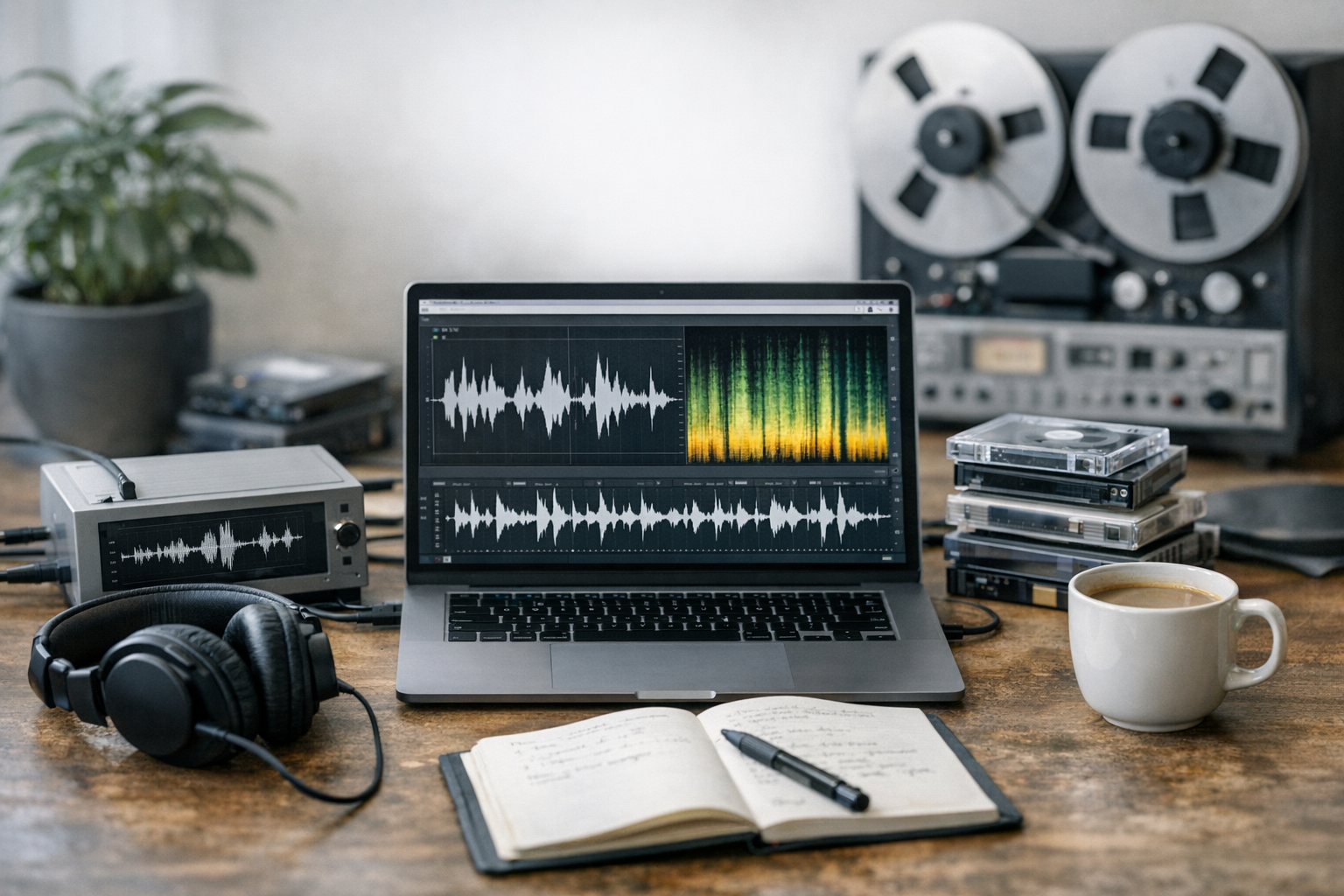
Audio digitization AI converting speech podcasts archives into usable, structured data is — honestly — one of the most underrated uses of modern machine learning. Organizations sitting on thousands of hours of recordings, from oral histories to customer calls, finally have the tools to unlock all of that content. However, choosing the right platform matters enormously, and I’ve watched plenty of teams pick the wrong one and pay for it.
Three major players dominate the speech-to-text space right now: OpenAI Whisper, Google Cloud Speech-to-Text, and Azure Speech Services. Each handles accuracy, cost, and language support differently. So let’s compare them head-to-head and figure out which engine actually fits your digitization workflow.
Why AI-Powered Audio Digitization Matters Now
Manual transcription costs between $1 and $3 per audio minute. Run the math on a 10,000-hour archive and you’re looking at hundreds of thousands of dollars — consequently, that’s simply not feasible for most organizations. AI-powered audio digitization isn’t just a nice-to-have anymore. It’s the only practical path forward.
Furthermore, raw audio files are essentially invisible to search engines. You can’t keyword-search a WAV file or feed an MP3 into a database query. But once you convert speech into structured text, everything changes — metadata extraction, topic classification, sentiment analysis, and full-text search all become possible overnight.
The core promise of audio digitization AI converting speech podcasts archives is straightforward: turn unstructured sound into structured, queryable, actionable data. Specifically, modern speech-to-text models now achieve word error rates (WER) below 5% on clean audio — a level that genuinely rivals human transcriptionists. I’ve tested this benchmark myself across multiple platforms, and on clean studio audio, it holds up.
Several factors are driving adoption right now:
Notably, the Library of Congress has flagged the urgency of preserving audio heritage. Millions of recordings worldwide face format obsolescence. And here’s the thing: AI transcription doesn’t just digitize — it preserves meaning, not just sound.
Head-to-Head Comparison: Whisper vs. Google vs. Azure
Choosing a platform for audio digitization AI converting speech podcasts archives means weighing several dimensions at once. Here’s how the three leading platforms stack up across the metrics that actually matter.
| Feature | OpenAI Whisper | Google Cloud Speech-to-Text | Azure Speech Services |
|---|---|---|---|
| Deployment | Open-source (local or cloud) | Cloud API only | Cloud API + on-premises containers |
| Supported languages | 99+ | 125+ | 100+ |
| Real-time streaming | No (batch only) | Yes | Yes |
| Speaker diarization | Limited (via extensions) | Built-in | Built-in |
| Cost per audio hour | Free (self-hosted) / ~$0.36 via API | ~$0.72–$1.44 | ~$0.64–$1.00 |
| Word error rate (clean audio) | ~4–5% | ~4–6% | ~5–7% |
| Custom vocabulary | No native support | Yes | Yes (Custom Speech) |
| Noise robustness | Strong | Moderate | Moderate-strong |
| Punctuation/capitalization | Automatic | Automatic | Automatic |
| Batch processing | Excellent | Good | Good |
OpenAI Whisper stands out for budget-conscious projects. Because it’s open-source on GitHub, you can run it on your own GPU hardware with zero per-minute costs. The trade-off? No built-in streaming and limited speaker diarization without third-party tools — and that gap is more painful than it sounds in production.
Google Cloud Speech-to-Text excels at real-time applications and offers the broadest language coverage of the three. Additionally, its documentation is genuinely thorough — I’ve spent more time in there than I’d like to admit. It’s the strongest choice when you need live captioning running alongside batch archive processing.
Azure Speech Services offers a solid middle ground. Its Custom Speech feature lets you fine-tune models on domain-specific terms, which is a bigger deal than it sounds. Moreover, the on-premises container option addresses data sovereignty concerns — critical for government and healthcare archives where sending audio to external APIs is a non-starter.
Accuracy Benchmarks: Noise, Accents, and Jargon
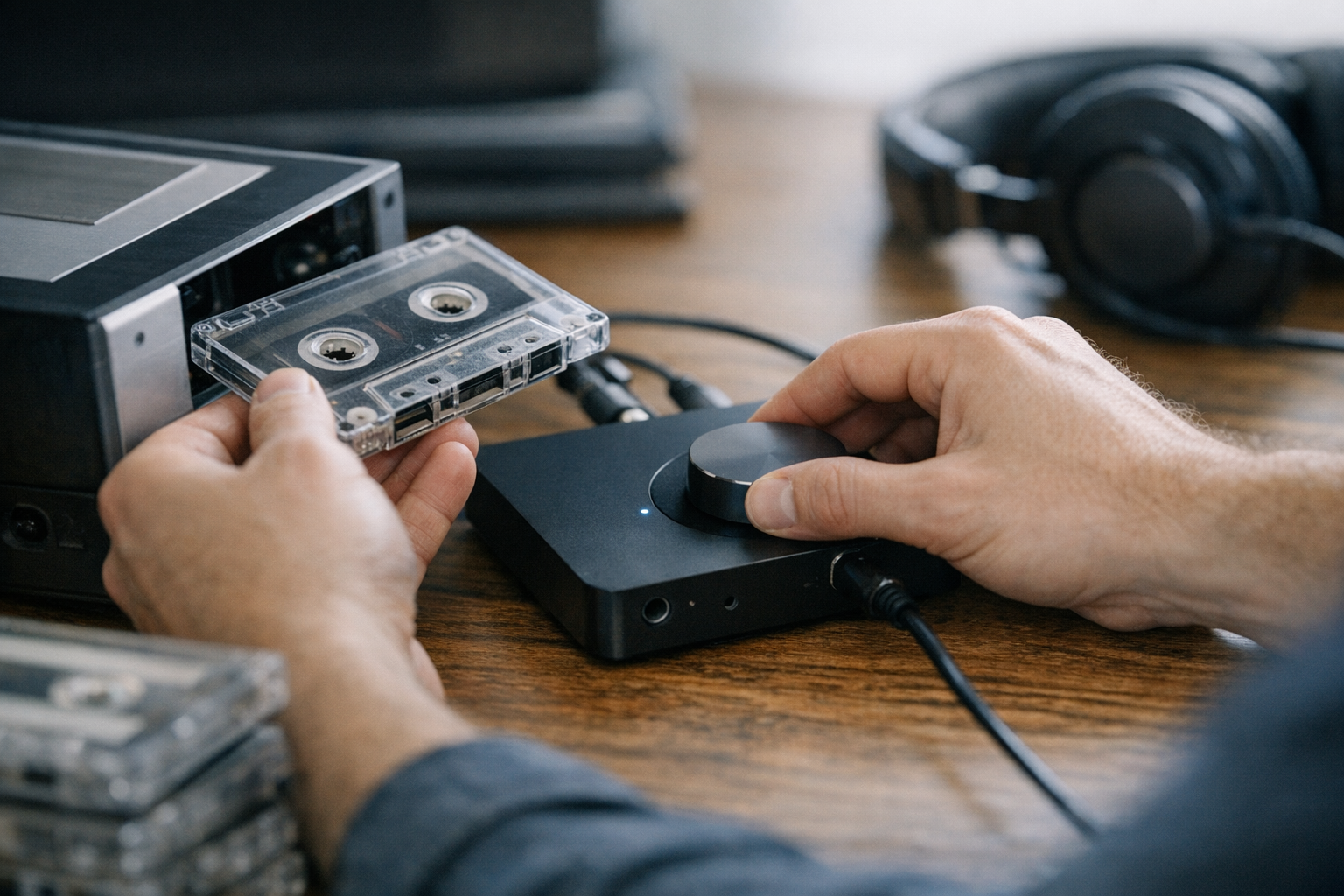
Raw accuracy numbers on clean studio audio don’t tell the full story. Real-world audio digitization projects involve noisy recordings, diverse accents, and specialized vocabulary. Therefore, understanding how each platform handles these challenges is essential for converting speech, podcasts, and archives reliably.
Noisy audio performance. Whisper trained on 680,000 hours of multilingual audio pulled from the web — much of it inherently noisy. Consequently, it handles background noise, music beds, and low-quality recordings better than most commercial alternatives. This surprised me when I first ran it against some genuinely rough archival tape. Google and Azure both offer enhanced models for noisy environments, but those typically cost more per minute.
Real-world noise scenarios include:
Accent and dialect handling. All three platforms perform reasonably well on standard American and British English. Nevertheless, performance diverges on regional accents — and that divergence matters a lot depending on your archive’s origins. Google’s model tends to handle Indian English and Southeast Asian English more accurately. This is likely due to its massive multilingual training data. Whisper performs surprisingly well on Scottish, Irish, and Australian accents — I’ve tested this specifically. Azure’s strength lies in Custom Speech, which lets you upload accent-specific training data when you need that extra edge.
Technical jargon and domain vocabulary. This is where the platforms differ most — and where I’ve seen projects go sideways. Out of the box, all three struggle with highly specialized terms: medical terminology, legal Latin, engineering acronyms, historical proper nouns. However, Google and Azure both support custom vocabulary lists and phrase boosting. You can feed them lists of expected terms and the model biases toward those words.
Whisper lacks native custom vocabulary support. Although community workarounds exist — like prompt conditioning — they’re less reliable in practice. For archives heavy with domain-specific language, Azure’s Custom Speech or Google’s adaptation features provide a meaningful accuracy advantage. Fair warning: setting up Custom Speech in Azure takes real time, but it’s worth it for the right project.
Importantly, no single platform wins across all scenarios. The best choice for audio digitization AI converting speech podcasts archives depends entirely on your specific content.
Building a Complete Digitization Pipeline
Transcription is just one step. A complete audio digitization workflow for converting speech, podcasts, and archives into structured data involves several stages. Here’s a practical pipeline you can adapt without starting from scratch.
1. Audio preparation and normalization. Before feeding files to any speech-to-text engine, clean them up. Use tools like FFmpeg to normalize volume levels, convert formats, and split long recordings into manageable chunks. Specifically, most APIs perform best on segments between 30 seconds and 5 minutes — go longer and you start seeing accuracy drift at segment boundaries.
2. Speech-to-text transcription. Choose your engine based on the comparison above. For large batch jobs, Whisper running on a local GPU cluster offers the best cost efficiency. For real-time needs, Google or Azure make more sense. Process files in parallel to maximize throughput — this is where a lot of teams leave performance on the table.
3. Speaker diarization. Identifying distinct speakers in multi-person recordings is essential, especially for podcast archives where you need to attribute quotes accurately. Google and Azure include this natively. For Whisper, pair it with pyannote.audio, an open-source speaker diarization toolkit that’s more capable than you’d expect for a free tool.
4. Post-processing and error correction. Raw transcripts contain errors — always. Apply these corrections:
5. Metadata extraction and structuring. This is where raw transcripts become structured data — and honestly, where the real value lives. Extract:
6. Storage and indexing. Load structured output into a searchable database. Elasticsearch, PostgreSQL with full-text search, or a dedicated knowledge management platform all work well here. Tag records with metadata for faceted browsing.
Similarly, organizations processing podcast archives should consider generating chapter markers, show notes, and SEO-friendly descriptions automatically. The structured data from AI-powered audio digitization feeds directly into content repurposing workflows — and that downstream value is often what justifies the whole project budget.
Cost Optimization and Scaling Strategies
Budget is often the deciding factor in audio digitization AI converting speech podcasts archives at scale. A 50,000-hour archive processed through a commercial API could cost $30,000 to $70,000. Meanwhile, self-hosted Whisper on rented GPU instances might cost a fraction of that. The gap is real, and it’s worth doing the math before you commit.
Here are proven strategies to cut costs:
Additionally, consider the total cost of ownership beyond per-minute API pricing. Self-hosting Whisper requires GPU hardware, DevOps expertise, and ongoing maintenance. For smaller organizations, the simplicity of a managed API may justify the higher per-minute cost — and that’s a completely valid call.
Latency considerations also affect architecture decisions. Whisper’s large-v3 model processes audio at roughly 2–4x real-time on a modern GPU. That means one hour of audio takes 15–30 minutes to complete. Google and Azure process faster for streaming use cases but throttle batch requests. Plan your pipeline’s throughput requirements accordingly, or you’ll hit walls at the worst moment.
Notably, the economics of audio digitization AI converting speech podcasts archives improve every year. GPU prices drop, models get more efficient, and competition between providers drives API costs down. Projects that seemed too expensive two years ago are now entirely feasible — and that trend isn’t slowing.
Choosing the Right Platform for Your Use Case
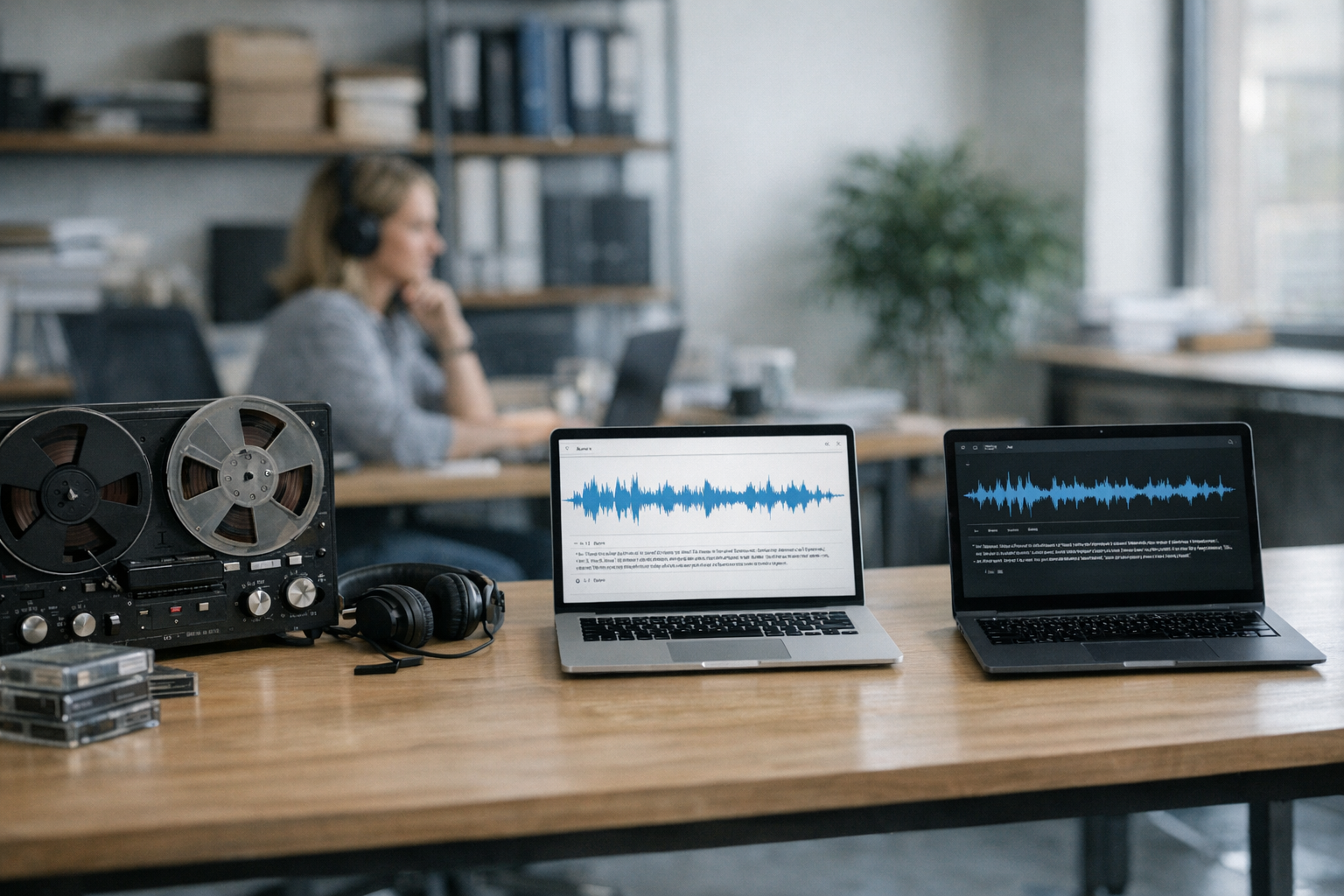
Not every project has the same requirements. Therefore, matching your use case to the right platform is the most important decision in any audio digitization workflow. Here’s a practical decision framework for converting speech, podcasts, and archives effectively.
Choose OpenAI Whisper if:
Choose Google Cloud Speech-to-Text if:
Choose Azure Speech Services if:
Alternatively, many production systems use multiple platforms — and that’s not overengineering, it’s just pragmatic. A media company might use Whisper for bulk podcast archive processing, Google for live captioning, and Azure for medical conference recordings. The Microsoft Azure Speech documentation covers Custom Speech model training in detail, and it’s worth a read before you commit.
Conversely, if you’re just getting started, don’t overthink it. Pick one platform, process a representative sample of your audio, measure the results, and iterate. The best platform is the one that actually gets your archives digitized — not the one that looks best in a comparison table.
Conclusion
Audio digitization AI converting speech podcasts archives into structured data isn’t a future possibility — it’s a present reality, and the tools are more mature than most people realize. Whether you’re preserving historical recordings, building a searchable podcast library, or pulling insights from customer calls, the technology is genuinely ready.
Here are your actionable next steps:
1. Audit your audio assets. Catalog what you have, estimate total hours, and honestly assess audio quality and content types.
2. Run a pilot. Pick 10–20 representative recordings. Process them through Whisper, Google, and Azure. Compare accuracy, speed, and cost side by side.
3. Design your pipeline. Map the full workflow from raw audio to structured, searchable data. Don’t stop at transcription — plan for metadata extraction and indexing from day one.
4. Start processing. Begin with your highest-value content and expand as you refine the pipeline.
5. Measure and iterate. Track word error rates, processing costs, and downstream utility. Switch platforms or adjust parameters as the data tells you to.
The field of audio digitization AI converting speech podcasts archives keeps moving fast — models improve every quarter and costs keep falling. The only real mistake is waiting too long to start.
FAQ
Which AI platform handles noisy recordings best?
OpenAI Whisper generally handles noisy audio best among the three major platforms. Its training data included vast amounts of real-world, imperfect audio — consequently, it outperforms Google and Azure on recordings with background music, tape hiss, and low-quality microphones. However, for domain-specific accuracy on clean audio, Azure’s Custom Speech models can surpass Whisper after fine-tuning. Specifically, if your archive is both noisy and jargon-heavy, you may need a hybrid approach.
How much does it cost to digitize a large audio archive?
Costs vary dramatically by platform and approach. Self-hosted Whisper can process audio for as little as $0.01–$0.05 per hour on efficient GPU hardware. Commercial APIs from Google and Azure range from $0.64 to $1.44 per audio hour. Therefore, a 10,000-hour archive might cost anywhere from $100 (self-hosted Whisper) to $14,400 (Google Cloud premium tier). Hybrid approaches — Whisper for the bulk, commercial APIs for tricky segments — offer the best balance of cost and accuracy.
Can AI handle multiple languages in the same recording?
Yes, and this is one area where Whisper genuinely shines. It’s particularly strong at code-switching — detecting and transcribing multiple languages within a single audio file across 99+ supported languages. Google Cloud Speech-to-Text also supports multilingual recognition, but requires you to specify expected languages in advance. This capability is especially valuable for audio digitization AI converting speech podcasts archives from multilingual communities where speakers switch languages mid-sentence.
How do I handle speaker identification in podcast archives?
Speaker diarization — identifying “who spoke when” — is built into both Google Cloud Speech-to-Text and Azure Speech Services natively. For Whisper, you’ll need to add a separate tool like pyannote.audio. Importantly, diarization accuracy depends heavily on audio quality and speaker count. Two-speaker conversations typically hit 90%+ accuracy, while recordings with six or more overlapping speakers are significantly harder. Don’t skip this step for podcast archives — attribution matters.
Is it safe to send sensitive recordings to cloud AI services?
All three major platforms offer encryption in transit and at rest. Google and Azure both provide data processing agreements that comply with GDPR, HIPAA, and other regulations. Nevertheless, some organizations simply can’t send audio externally due to legal or policy restrictions — and that’s a completely legitimate constraint. In those cases, self-hosted Whisper or Azure’s on-premises Speech containers are your best options. Always review your organization’s data governance policies before uploading a single file.
What audio formats and quality levels work best?
All three platforms accept common formats like WAV, MP3, FLAC, and OGG. For best results, use 16kHz sample rate, 16-bit depth, mono channel audio. Higher sample rates don’t meaningfully improve accuracy but increase processing time and cost — so don’t bother. Additionally, lossless formats like WAV or FLAC produce slightly better results than heavily compressed MP3 files. Before processing large archives, normalize audio levels and trim extended silence to optimize your audio digitization pipeline. This preprocessing step alone can meaningfully improve your word error rates without touching the model.
References
Keep reading
Here are the latest posts from the blog.