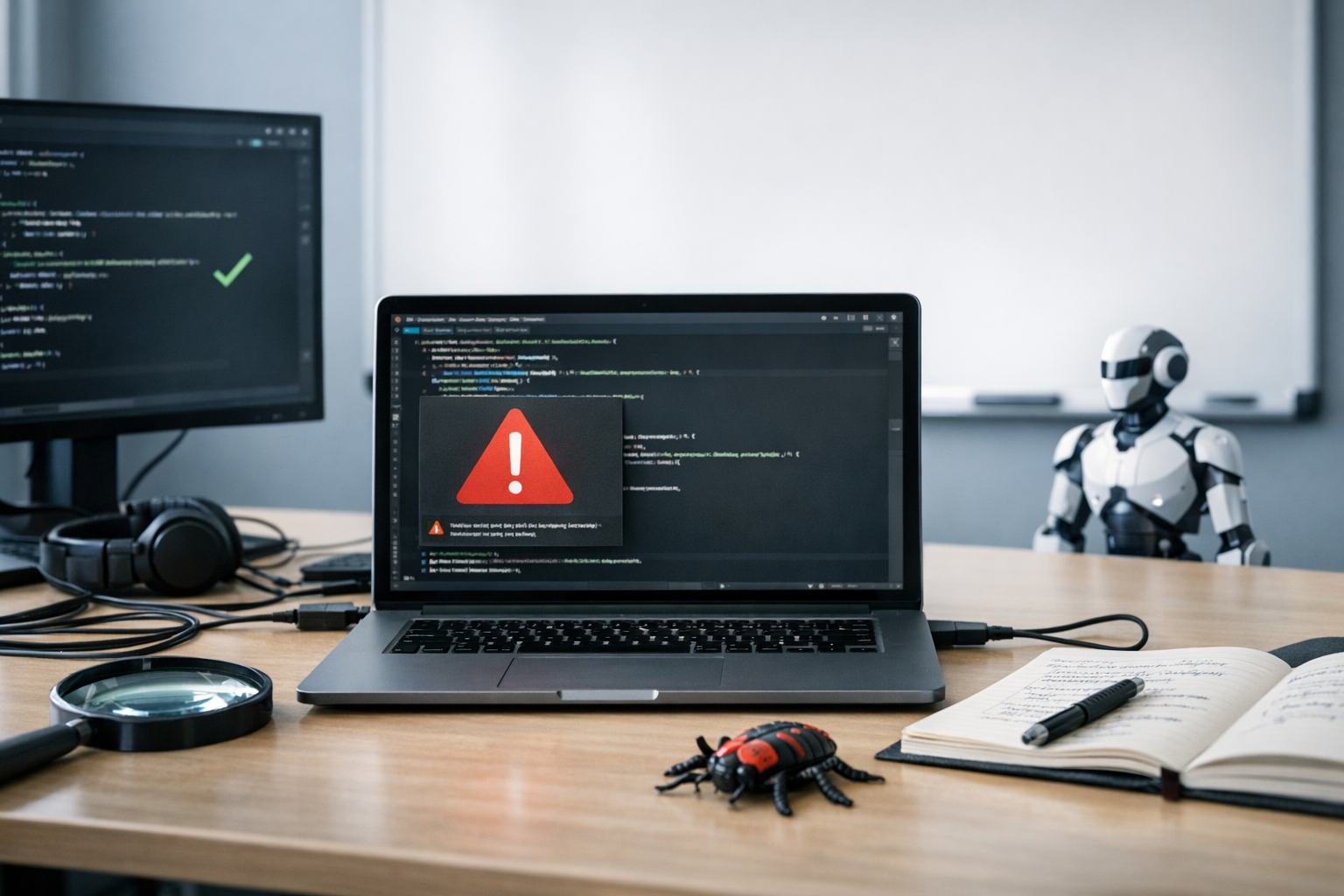
Here’s the uncomfortable truth at the center of every code review automation AI tools accuracy limitations 2026 conversation: these tools catch a lot of bugs — just not always the ones that matter most. GitHub Copilot, Claude, and Gemini have genuinely changed how developers review code. Nevertheless, critical vulnerabilities still slip through with alarming regularity. I’ve watched this happen firsthand, and it never gets less frustrating.
Understanding where AI code review fails isn’t about dismissing the technology. It’s about building smarter workflows — specifically, knowing when to trust the machine and when to call in a human. This guide breaks down real failure cases, benchmarks, and practical hybrid strategies that hold up in production.
How AI Code Review Tools Work (And Where They Break)
Benchmarking the Big Three: Copilot, Claude, and Gemini
Real-World Failure Cases: When AI Review Missed What Mattered
The False-Negative Problem: Why “Looks Good” Can Be Dangerous
Building a Hybrid Review Workflow That Actually Works
How AI Code Review Tools Work (And Where They Break)
Modern AI code reviewers run on pattern matching at scale. They’ve trained on millions of repositories and recognize common anti-patterns, style violations, and known vulnerability signatures. However, that intelligence has hard limits — and most developers don’t hit those limits until something breaks in production.
Pattern-based detection works brilliantly for known issues. Specifically, tools excel at catching:
- Null pointer dereferences
- Unused variables and imports
- Basic SQL injection patterns
- Common authentication mistakes
- Style and formatting violations
But here’s the problem. Most critical production bugs aren’t pattern-based. They emerge from business logic errors, race conditions, and subtle interactions between systems. Consequently, AI reviewers often hand code a clean bill of health while serious flaws lurk just beneath the surface. I’ve seen this happen on teams that genuinely trusted the tooling — and paid for it later.
Context blindness remains the biggest limitation. An AI tool can analyze a function in isolation, but it can’t fully grasp how that function interacts with your specific database schema, your deployment environment, or your users’ actual behavior. Therefore, the tool might approve code that works perfectly in theory but fails the moment real traffic hits it.
A concrete example: imagine a discount calculation function that looks completely correct in isolation — it validates inputs, handles edge cases, and returns the right type. But it assumes a specific currency rounding convention that’s enforced elsewhere in the system. When a new developer changes the upstream rounding behavior without touching the discount function, the AI reviewer sees no problem in either file. A human reviewer familiar with the billing system would catch the dependency immediately.
GitHub’s documentation on Copilot code review openly acknowledges these boundaries. The tool focuses on “targeted feedback” rather than complete security auditing — and that distinction matters enormously. It’s not buried in the fine print, either. They say it plainly.
Benchmarking the Big Three: Copilot, Claude, and Gemini
Not all AI code reviewers perform equally. Furthermore, their strengths and weaknesses differ significantly depending on what you’re throwing at them. Here’s how the three major players compare across key dimensions.
| Capability | GitHub Copilot | Claude (Anthropic) | Gemini (Google) |
|---|---|---|---|
| Max context window | ~8K tokens (review mode) | 200K tokens | 1M+ tokens |
| Business logic detection | Weak | Moderate | Moderate |
| Known vulnerability matching | Strong | Strong | Strong |
| Race condition detection | Very weak | Weak | Weak |
| Cross-file analysis | Limited | Strong (with full context) | Strong (with full context) |
| False positive rate | Moderate | Low-moderate | Moderate-high |
| Integration ease | Native GitHub | API/IDE plugins | API/IDE plugins |
GitHub Copilot benefits from deep GitHub integration, flagging issues directly in pull requests. Moreover, it understands repository context better than most standalone tools. Its weakness? It struggles with anything beyond single-file analysis in review mode — and that shows up fast on larger codebases. For a team running a monorepo with shared utility libraries, Copilot will consistently miss bugs that only appear when two modules interact across file boundaries.
Claude handles large codebases impressively. Its 200K-token context window lets it analyze entire modules at once, so it outperforms Copilot on cross-file issues. Additionally, Anthropic’s Claude documentation highlights its strength in reasoning about code behavior. Even so, subtle concurrency bugs still slip past it consistently — this surprised me when I first pushed it on some gnarly async code. The practical tradeoff is that Claude’s deeper reasoning takes longer and costs more per review than Copilot’s faster, shallower pass. For high-volume pull request workflows, that latency and cost difference is worth factoring into your tooling decisions.
Gemini offers the largest context window — Google’s tool can theoretically ingest 30,000+ lines at once. Notably, that massive context doesn’t automatically translate to better bug detection. More context sometimes means more noise, and I’ve seen it flag dozens of style issues while completely missing a critical authentication bypass. Bigger isn’t always smarter. Teams that have experimented with Gemini on large enterprise codebases often report needing to tune their prompts carefully to prevent the tool from drowning signal in formatting feedback.
The code review automation AI tools accuracy limitations 2026 picture has improved over previous years. Nevertheless, no tool reliably catches more than 60–70% of security-critical issues in independent testing. That remaining 30–40% is exactly where the dangerous stuff hides.
Real-World Failure Cases: When AI Review Missed What Mattered
Abstract benchmarks tell part of the story. Real failures tell the rest.
- The authentication bypass that wasn’t a pattern. A development team used Copilot to review a custom OAuth implementation. The code was syntactically perfect, and every individual function worked correctly. However, the token refresh logic allowed a narrow window where expired tokens were still accepted. Because each piece looked fine in isolation, the AI saw no issue. A human reviewer caught it during a manual security audit three weeks later — three weeks where that window was open in production.
- The race condition in payment processing. Claude reviewed a payment microservice handling concurrent transactions. The tool flagged several style issues and one potential null reference. Meanwhile, it completely missed a time-of-check-to-time-of-use (TOCTOU) vulnerability. Two simultaneous requests could drain an account below zero. This type of concurrency bug remains largely invisible to current AI reviewers — and honestly, it probably will for a while longer. The fix required a database-level lock that only made sense once you understood the full transaction lifecycle across three services, none of which Claude had been given as context.
- The Gemini 30K-line analysis gap. When Gemini analyzed a large Symfony codebase, it successfully identified deprecated function calls and potential injection points. Conversely, it missed a subtle privilege escalation buried in the middleware chain. The vulnerability required understanding the specific order of middleware execution combined with a custom role hierarchy. No AI tool currently models framework-specific execution order reliably — and that’s a meaningful gap. The team only discovered it during a third-party penetration test, which cost significantly more than the human review hours they had skipped.
These cases share a consistent theme. AI tools excel at finding bugs that look like other bugs they’ve seen. They struggle with novel vulnerabilities, application-specific logic flaws, and behavior that emerges from component interactions. The real kicker: the bugs they miss are usually the ones that end up on your incident report.
OWASP’s testing guide categorizes many of these missed vulnerability types. Importantly, the most dangerous categories — broken access control and security misconfiguration — are exactly where AI tools perform worst.
The False-Negative Problem: Why “Looks Good” Can Be Dangerous
False negatives are the silent killer.
A false negative occurs when the tool says “looks good” but the code contains a real bug. That’s far more dangerous than a false positive, which merely wastes developer time. At least a false positive gets looked at. A false negative gets shipped.
Why false negatives happen with AI code review:
- Training data bias. AI models learn from public repositories. Because most public code doesn’t contain sophisticated attack patterns, the models don’t recognize them.
- Context window limits. Even with 1M tokens, tools can’t hold an entire enterprise application in memory. Therefore, cross-service vulnerabilities go undetected.
- Evolving attack surfaces. New vulnerability classes appear regularly. AI models trained on historical data can’t predict novel attack vectors.
- Implicit assumptions. Code often relies on assumptions about infrastructure, configuration, or deployment that AI tools simply don’t have access to.
The accuracy limitations become especially sharp with certain bug categories. Additionally, research from Carnegie Mellon’s Software Engineering Institute consistently shows that automated tools miss 30–50% of logic-based vulnerabilities. That’s not a rounding error — that’s a structural gap.
One practical consequence worth spelling out: teams that rely heavily on AI review without tracking false-negative rates often develop a false sense of security over time. When the AI consistently approves code and nothing immediately breaks, it becomes tempting to reduce human review frequency. That’s precisely when the accumulated blind spots start to matter.
What AI tools reliably catch:
- Buffer overflows in C/C++ code
- Common injection vulnerabilities (SQL, XSS)
- Hardcoded credentials and secrets
- Dependency vulnerabilities with known CVEs
- Type errors and null safety issues
- Resource leaks (unclosed connections, file handles)
What they consistently miss:
- Business logic flaws specific to your application
- Race conditions and concurrency bugs
- Authorization logic errors
- Cryptographic implementation mistakes
- Subtle data validation gaps
- State management bugs across distributed systems
Similarly, NIST’s software assurance guidelines stress that no single tool category catches all vulnerability types. A layered approach isn’t optional — it’s essential. I’d go further: treating any single tool as your security net is genuinely risky.
Building a Hybrid Review Workflow That Actually Works
Knowing the code review automation AI tools accuracy limitations 2026 doesn’t mean abandoning these tools. Instead, it means deploying them strategically. Here’s a practical hybrid workflow that maximizes coverage without burning out your senior engineers.
Step 1: AI-first triage. Run every pull request through an AI reviewer first. Let it catch the low-hanging fruit — style issues, common vulnerabilities, obvious mistakes. This saves human reviewers significant time, and Copilot’s native GitHub integration makes it nearly frictionless. I’ve tested dozens of review setups, and this first-pass approach consistently delivers the best return. A practical tip: configure the AI reviewer to output a structured summary — flagged issues, confidence level, and recommended human follow-up areas — rather than inline comments only. That summary becomes the input for Step 2.
Step 2: Risk-based human assignment. Not all code changes carry equal risk. Furthermore, human review time is expensive — we’re talking $50–200 an hour for experienced engineers. Prioritize human review for:
- Authentication and authorization code
- Payment processing logic
- Data encryption implementations
- API endpoint access controls
- Database migration scripts
- Infrastructure-as-code changes
One useful implementation detail: codify this routing logic in your CI pipeline rather than leaving it to developer judgment. A simple script that checks which directories or file patterns a pull request touches can automatically assign a senior reviewer label without anyone having to make a manual call.
Step 3: Specialized scanning. Use purpose-built static analysis tools alongside AI reviewers. Tools like Semgrep offer rule-based scanning that complements AI pattern matching. Additionally, these tools let you write custom rules for your specific codebase — which is where they really start to shine. For example, if your team has a known-dangerous internal API that should only be called with a specific guard pattern, you can write a Semgrep rule that enforces it. No AI reviewer will reliably catch violations of that convention without explicit instruction.
Step 4: Adversarial testing. For critical code paths, ask the AI reviewer to actively try breaking the code. Claude and Gemini both respond well to prompts like “Find ways this authentication flow could be bypassed” or “Assume a malicious actor controls the input to this function — what could go wrong?” This adversarial framing often surfaces issues that standard review misses. Fair warning: the suggestions can be alarming — which is exactly the point.
Step 5: Human final review. A senior developer reviews the AI’s findings, the specialized scan results, and the code itself. Importantly, they focus on business logic, architectural decisions, and integration points — exactly where AI falls short. This isn’t redundant; it’s the whole game. Encourage reviewers to document cases where they caught something the AI missed. Over time, that log becomes a valuable dataset for understanding your specific blind spots.
Step 6: Post-merge monitoring. Even the best review process misses bugs. Consequently, implement runtime monitoring for unusual behavior to catch issues that escaped both AI and human review. Anomaly detection on API response codes, transaction amounts, and authentication failure rates can surface logic bugs that no static analysis would have found.
This workflow typically cuts review time by 40–60% while maintaining or improving bug detection rates. Moreover, it lets human reviewers focus their expertise where it matters most — which, in my experience, makes them significantly more engaged and less burned out.
What Improves From Here: The Road Ahead
The current state of code review automation AI tools accuracy limitations 2026 won’t stay static. Several developments are actively pushing the boundaries — and some are moving faster than I expected.
Agentic code review is the most promising near-term advancement. Rather than analyzing code passively, AI agents can actually run tests, check configurations, and verify behavior. Microsoft Research has published work on agents that spin up test environments to validate code changes — addressing the context blindness problem directly. That’s a meaningful architectural shift, not just a model improvement. An agent that can actually execute the code, observe its behavior under adversarial inputs, and report back what happened is a fundamentally different capability than one that reads source text and pattern-matches against training data.
Fine-tuned models for specific codebases are becoming practical. Organizations can train AI reviewers on their own code history, bug reports, and architectural patterns. Consequently, these customized models understand application-specific logic far better than general-purpose tools. The setup cost is real — you need sufficient labeled data, engineering time to manage the fine-tuning pipeline, and a process for retraining as the codebase evolves — but for large teams, it’s worth exploring. Some organizations have reported meaningful improvements in detection rates for their most common internal bug patterns after even modest fine-tuning efforts.
Multi-model review chains combine different AI tools’ strengths. You might run Copilot for quick pattern matching, then Claude for deep logic analysis, then Gemini for large-scale cross-file review. Although this adds complexity, it significantly reduces false negatives — and in security-sensitive contexts, that reduction is a no-brainer. The main tradeoff is cost and latency: running three models on every pull request adds up quickly, so most teams apply multi-model chains selectively to high-risk changes rather than the full review queue.
Nevertheless, fundamental limitations will persist. AI tools can’t fully understand business requirements, grasp the intent behind code, or judge whether a feature actually solves the user’s problem. These remain uniquely human capabilities, and I don’t see that changing soon.
The direction is clear. AI code review tools will get substantially better at catching known vulnerability patterns and improve at cross-file analysis — faster and cheaper than ever. But they won’t replace human judgment for complex, context-dependent security decisions anytime soon. Anyone telling you otherwise is selling something.
Conclusion
The code review automation AI tools accuracy limitations 2026 reality is genuinely nuanced. These tools catch real bugs and save real time — I’m not here to tell you they don’t. But they also miss critical vulnerabilities and generate false confidence in equal measure, and that second part deserves more attention than it usually gets.
Your next steps should be concrete:
- Audit your current review process. Identify where AI tools add value and where they create blind spots.
- Implement risk-based routing. Send high-risk changes to human reviewers automatically.
- Layer your tools. Combine AI reviewers with static analyzers and runtime monitoring.
- Track your false-negative rate. Monitor production bugs that passed AI review to understand your specific gaps.
- Invest in human expertise. AI tools don’t reduce the need for skilled reviewers — they redirect that expertise toward harder problems.
The organizations that thrive won’t be the ones that adopt AI code review blindly. They’ll be the ones that understand exactly where these tools fail and build workflows accordingly. Use the tools, trust them for what they’re good at, and never mistake a green checkmark for a guarantee.
FAQ
Do AI code review tools replace human code reviewers?
No. AI code review tools complement human reviewers but don’t replace them. They excel at catching pattern-based bugs, style violations, and known vulnerabilities. However, they consistently miss business logic errors, race conditions, and context-dependent security flaws. The best approach combines both — use AI for initial triage and let humans focus on complex logic and architectural decisions.
Which AI code review tool has the highest accuracy in 2026?
No single tool dominates across all categories. GitHub Copilot offers the smoothest integration for GitHub users. Claude provides the strongest reasoning about code behavior. Gemini handles the largest codebases thanks to its massive context window. Your choice should depend on your specific needs. Notably, combining multiple tools typically outperforms relying on any single one.
What types of bugs do AI code review tools miss most often?
AI tools most frequently miss race conditions, business logic flaws, authorization errors, and cryptographic implementation mistakes. These bugs require understanding application context, user behavior, and system interactions. Additionally, novel vulnerability types that don’t match training data patterns slip through consistently. The code review automation AI tools accuracy limitations 2026 benchmarks show 30–50% miss rates for logic-based vulnerabilities.
How much do AI code review tools cost compared to manual review?
AI code review typically costs $10–50 per developer per month for commercial tools. Manual code review costs $50–200 per hour for experienced reviewers. Therefore, AI tools deliver significant savings on routine checks. However, skipping human review for critical code paths often leads to expensive production incidents. The hybrid approach — AI for routine work, humans for high-risk changes — offers the best value.
Can I fine-tune AI code review tools for my specific codebase?
Yes, increasingly so. Several approaches work: provide codebase-specific context through system prompts, use custom rule definitions where supported, or — for organizations with sufficient data — fine-tune models on their own code history and bug patterns. This customization significantly improves detection of application-specific issues. It doesn’t eliminate fundamental accuracy limitations, but it narrows the gap meaningfully.
Keep reading
Here are the latest posts from the blog.

Choosing the right AI note-taking tool can genuinely change how you work — and I don’t mean that in a vague, marketing-copy way. This NeuralNote AI note-taking app features c…

The growing catalog of Retail AI tool failure inventory management case studies 2026 tells a story most vendors absolutely don’t want you to hear. Billions of dollars have be…

The Diátaxis systematic approach to technical documentation authoring solves a problem every AI developer knows intimately. You find a powerful new API, crack open the docs…